
HMRC P46 Form – Complete Guide to the Old P46, Modern Starter Checklist, RTI Rules, and How to Correct Missing Employee Starter Information
Leave your details and our team will get back to you shortly.
Understanding the P46 Form in a Modern HMRC Context
Until 2013, the P46 was one of the most important payroll forms in the UK. Employers completed a P46 whenever a new employee started without a P45, ensuring HMRC applied the correct tax code and PAYE deductions.
Since then, the P46 has been abolished and replaced by the Starter Checklist, submitted through RTI (Real Time Information) using the FPS (Full Payment Submission).
However, people still search for “P46 HMRC” because:
-
They want to understand what it used to be
-
Their employer or accountant still refers to it
-
HMRC requests missing starter information
-
Their tax code is wrong
-
They started a job without a P45
-
They need historic P46 data for old tax years
-
Payroll teams need to correct employee starter errors
This guide explains everything you need to know about the P46 form — historic purpose, modern equivalents, how to fix missing starter information, how employees can correct tax codes, and how employers stay compliant under RTI.
Audit Consulting Group created this guide to help both employees and employers understand exactly how the P46 works today.
Explore our comprehensive P46 Form Guide for detailed information on the old P46, Modern Starter Checklist, and correcting missing employee starter details.
What Was the HMRC P46 Form?
The P46 was the official HMRC form completed when an employee started a job but did not have a P45 from their previous employer.
The P46 provided HMRC with:
-
Employee’s personal details
-
Employment start date
-
Employment status
-
Whether the employee had other jobs
-
Student loan status
-
The correct tax code to apply
After submitting the P46, HMRC sent the employer a new tax code where required.
Why the P46 Was Abolished
In April 2013, HMRC replaced the P46 with:
-
RTI submissions
-
FPS (Full Payment Submission)
-
Starter Checklist
The Starter Checklist is now used to determine the correct tax code and National Insurance category when an employee joins without a P45.
What Replaced the P46 Form?
The Starter Checklist is the modern equivalent of the P46.
Employers use it to collect all employment starter information, including:
-
Full name
-
Address
-
National Insurance number
-
Date of birth
-
Employment declaration (A, B, or C)
-
Student loan plan
-
Postgraduate loan status
-
Start date
Link: https://www.gov.uk/guidance/starter-checklist-for-paye
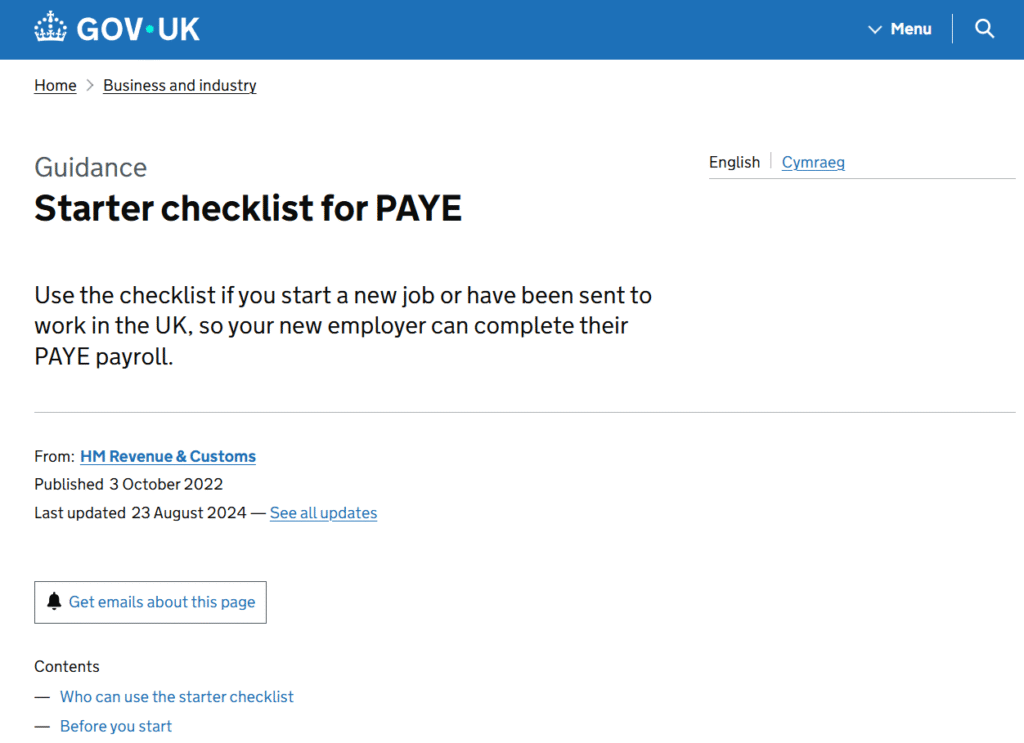
The payroll system then includes these details in the FPS submission, which replaces the P46.
Who Needs to Complete Starter Checklist Information?
Employees must complete starter information if:
-
They start a job without a recent P45
-
Their previous employer cannot provide a P45
-
They have multiple jobs
-
They are working for the first time
-
They are returning to the UK
-
They started self-employment alongside employment
This information allows HMRC to determine the correct tax code.
The Old P46 vs. the Modern Starter Checklist
| P46 (Historic) | Starter Checklist (Modern) |
|---|---|
| Paper form | Paper or digital |
| Submitted to HMRC manually | Submitted through payroll RTI FPS |
| Only covers basic details | Includes student loan, postgraduate loans, and more |
| Used until 2013 | In use today |
| Tax code adjustment issued by HMRC | HMRC automatically adjusts through RTI |
Understanding the Old P46 Employment Statements (A, B, C)
The P46 contained three statements to determine tax code:
A – First job since 6 April
Employee should be put on:
-
1257L (standard code)
-
Or current personal allowance code
B – Has another job or pension
Employee placed on:
-
BR, D0, or D1 depending on payroll system
C – This is an additional job
Employee is taxed:
-
100% of earnings at basic rate
-
Or higher rate for high earners
These statements still exist today within the Starter Checklist.
What Happens Now If an Employer Does Not Receive a P45?
If no P45 is available, employer must:
-
Ask employee to complete a Starter Checklist
-
Use this information to set the correct tax code
-
Submit it via the FPS on or before first payday
-
Update HMRC automatically
Failure to do this leads to:
-
Wrong tax codes
-
Emergency tax
-
Incorrect NI category
-
HMRC compliance issues
How Employees Access P46-Equivalent Information Today
Although P46 forms are no longer used, employees may need P46-equivalent starter information for:
-
Tax code corrections
-
Backdated refunds
-
Evidence for HMRC inquiries
-
Employment history requests
-
Immigration or visa documentation
-
Mortgages or rental applications
Employees can find this information in:
1. HMRC Personal Tax Account
https://www.gov.uk/personal-tax-account
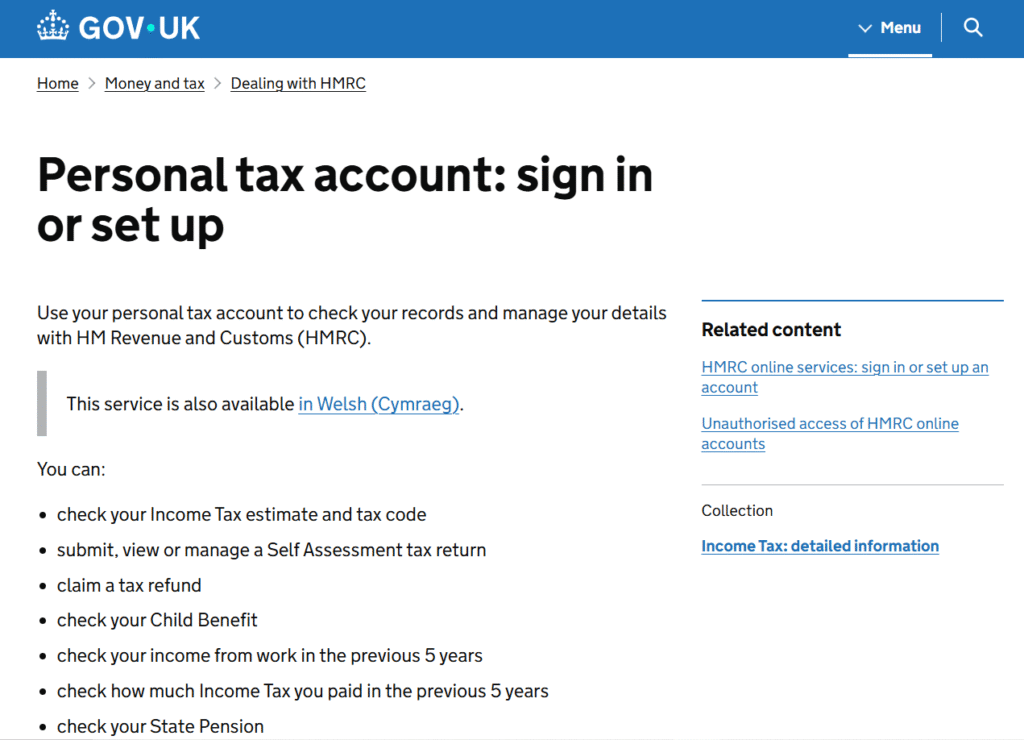
View:
-
Employment history
-
Tax codes
-
PAYE records
-
Starter information visible to HMRC
2. Payslips from the first employment month
Usually show:
-
Tax codes
-
PAYE references
-
Deductions applied
3. Employer payroll records
Employers store:
-
Starter forms
-
FPS submissions
-
Employment declarations
How Employers Access Historic P46 Information
Historic P46 information may be needed for:
-
HMRC audits
-
Employee disputes
-
PAYE corrections
-
Payroll migration
-
Legal cases
-
National Insurance gaps
Employers can retrieve P46-equivalent information from:
1. Payroll software archives
Most software stores:
-
Starter declarations
-
RTI-starter flags
-
Employment history
2. The HMRC PAYE for Employers portal
https://www.gov.uk/paye-online
View:
-
Tax codes
-
Employment start dates
-
RTI-adjusted data
3. HMRC requests
You can request a “historic starter information summary” for pre-2013 years.
Common Issues That Happen When No P45 or Starter Checklist Is Used
Employees often face:
-
Emergency tax (1257L W1/M1)
-
Overpaid PAYE tax
-
Incorrect student loan deductions
-
Wrong NI category
-
Incorrect starter declaration
-
HMRC underpayment letters
Employers face:
-
PAYE penalties
-
RTI non-compliance
-
HMRC investigations
-
Incorrect payroll reporting
-
Employee complaints
Audit Consulting Group helps fix both employee and employer issues.
How to Fix Wrong Tax Code Caused by Missing P46 / Starter Information
Employees can correct their tax code through:
-
HMRC Personal Tax Account
-
The “Check your tax code” tool
-
Employer payroll adjustments
-
Calling HMRC (0300 200 3300)
-
Submitting missing employment starter details
If starter information was wrong:
-
The employer must update their payroll
-
HMRC will automatically issue a corrected tax code
Correcting Missing or Incorrect Starter Information (Employers)
1. Submit a corrected FPS
Update:
-
Tax code
-
Start date
-
Starter declaration
-
Student loan info
2. Submit an FPS adjustment
For previous pay periods.
3. Submit an EYU (Earlier Year Update)
For older RTI years.
4. Provide missing information to HMRC
HMRC may request:
-
Starter Checklist
-
Staff ID
-
NI number verification
-
Right-to-work evidence
Audit Consulting Group can assist with all corrections.
Case Studies
Case Study 1 – Employee on Emergency Tax
Client: Daniel S., Manchester
Issue: No P45 → placed on wrong tax code.
Solution: Starter information corrected, tax code updated in 48 hours.
Outcome: £780 refunded.
Case Study 2 – Employer Audit
Client: Construction Firm, Liverpool
Issue: Missing starter information for 14 workers.
Solution: We reconstructed all starter data and corrected RTI.
Outcome: HMRC accepted records with no penalty.
Case Study 3 – Payroll Migration
Client: Retail Chain, Birmingham
Issue: Needed all historic starter information to move to new software.
Solution: Extracted P46-equivalent history from HMRC + old provider.
Case Study 4 – Student Loan Error
Client: Fiona R., London
Issue: Student loan plan applied incorrectly.
Solution: Updated starter info → HMRC recalculated deductions.
Frequently Asked Questions (FAQ)
Q1: Does the P46 form still exist?
No. It was discontinued in 2013.
Q2: What replaced the P46 form?
The Starter Checklist and RTI FPS submission.
Q3: What happens if an employee has no P45?
Complete a Starter Checklist to determine the correct tax code.
Q4: Can I still access historic P46 information?
Yes — through employer payroll records or HMRC’s archives.
Q5: Why am I on emergency tax?
Usually because no P45 or starter information was provided.
Q6: Do employers get fined for missing starter information?
Yes — HMRC can issue penalties for incorrect RTI reporting.
Q7: Can P46-related information affect tax refunds?
Yes. Missing starter data often leads to overpayments.
Official guidance:
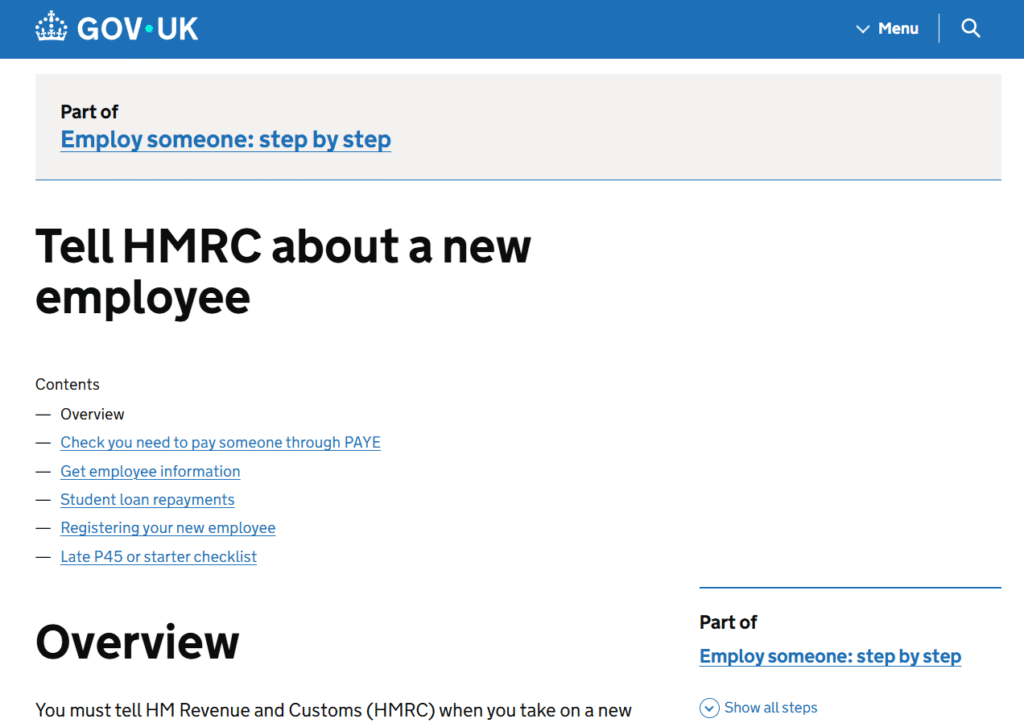
https://www.gov.uk/new-employee
P46 Starter Declaration Form Services Cost UK
Handle P46 forms in the UK with expert payroll and PAYE support. We help employers process starter declarations correctly and assign appropriate tax codes. Our P46 services reduce payroll errors and compliance risks.
Service Cost Estimation
Select the service category below to calculate the estimated cost of either accounting & tax services or forms and submissions.
Select Required Services / Forms
Select one or more services/forms to receive an accurate cost estimate. You can adjust your selection at any stage.
How would you like to engage our services?
Please select whether you require a one-off service or ongoing monthly support.
Contract Duration
Your cost estimate
Apply now and get 10% OFF
Submit your request today and receive an exclusive 10% discount on your selected service.
All prices are estimates. To receive a personalised quote, please fill out the form or contact us.
Ready to get started?
Get professional support from experienced UK accountants